What Is the Best AI Design Tool in 2026?
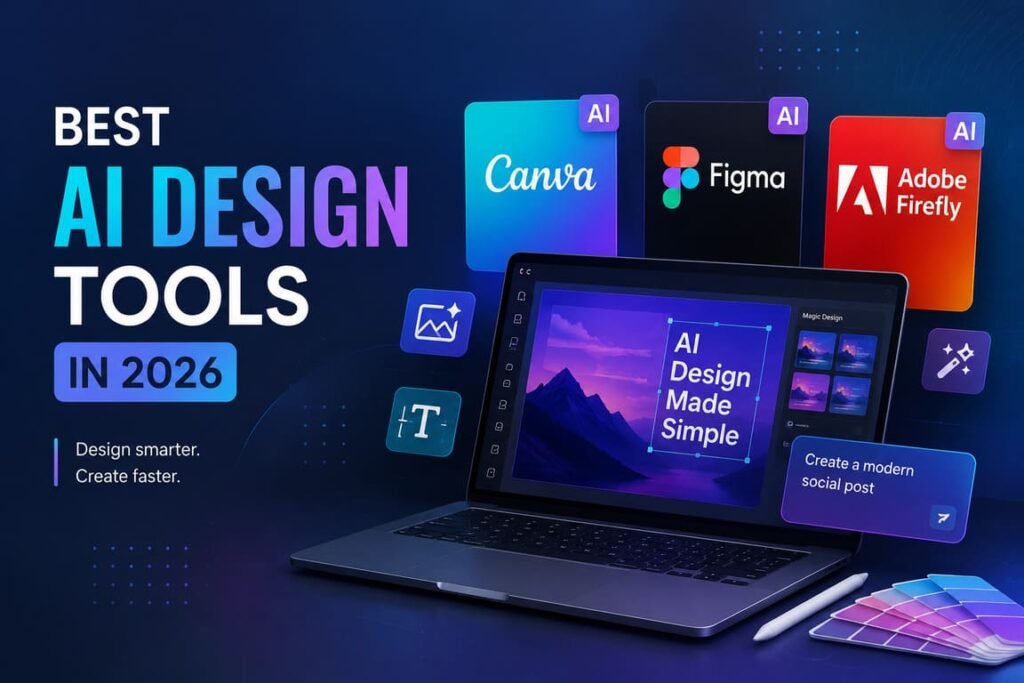
If you want the short answer, here it is: Canva AI is the best AI design tool for most people, while Figma AI is the best choice for product and UI teams, and Adobe Firefly is the strongest option for professional creative work that needs stronger commercial safeguards. The best tool depends on what you design every day, not on hype.
The mistake many people make is looking for one “perfect” AI design tool for everything. In real work, design has different jobs: social media graphics, presentations, ads, product screens, mood boards, image generation, brand systems, and fast edits. A smart choice is to pick the tool that matches your workflow best.
The short verdict
For speed, ease, and all-in-one design work, Canva AI is the best overall pick. It lets users generate editable designs, write copy, create images, work from voice, text, or images, and stay inside one simple editor. That makes it the strongest option for marketers, founders, small teams, and non-designers who still need professional-looking output fast.
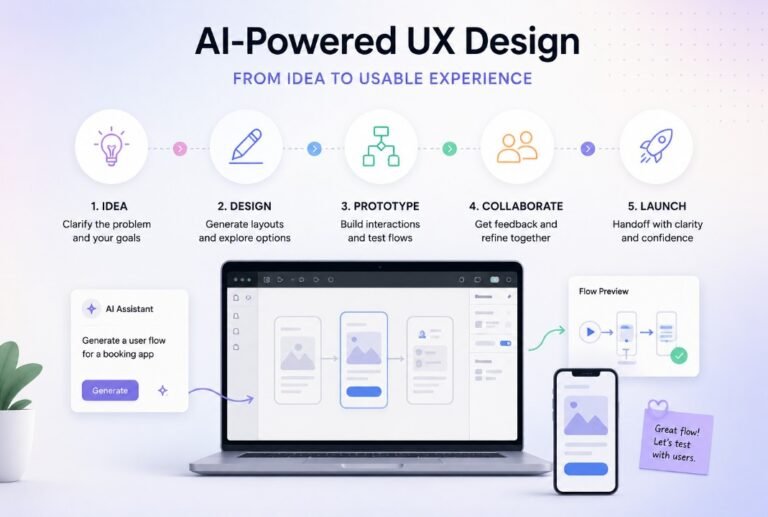
For UI/UX, product design, and design systems, Figma AI is better. It helps teams generate prototypes from prompts, automate repetitive design work, organize layers, rewrite or translate content, and connect design context with development tools. If your main work is apps, websites, or product workflows, Figma is the more professional choice.
For creative teams that care about image quality, Adobe workflow, and commercial safety, Adobe Firefly stands out. Adobe positions Firefly as commercially safe, says its first model was trained on licensed Adobe Stock and public-domain content, and allows commercial use for non-beta generative features. That matters for agencies, in-house brand teams, and high-visibility campaigns.
Comparison table: which AI design tool is best?
| Tool | Best for | Biggest strengths | Main limits | Best verdict |
|---|---|---|---|---|
| Canva AI | Social posts, presentations, marketing assets, quick brand content, non-designers | Easy to use, conversational workflow, text-to-image, AI writing, editable layouts, one platform for many tasks | Less specialized for deep UI/product design; commercial use is allowed but users still need to check rights and originality | Best overall for most people |
| Figma AI | UI/UX, product teams, wireframes, prototypes, design systems | Prompt-to-prototype, AI on canvas, layer cleanup, text generation, translation, FigJam AI, design-to-code bridge | Not the easiest choice for general marketing design; strongest when your work is digital product design | Best for professionals in UI and product design |
| Adobe Firefly | Brand campaigns, image-heavy creative work, Adobe users, teams with commercial risk concerns | Image, video, audio, vector generation, boards, pro creative controls, Adobe ecosystem, commercial-safety positioning | Best value often comes when your team already uses Adobe tools; can feel heavier than Canva for simple tasks | Best for creative professionals and brand-safe production |
Statistics that matter
These numbers do not measure the exact same thing, but they show scale, adoption, and market trust across the biggest players:
- Canva says it now serves more than 230 million people in 190 countries, with 35+ billion designs created.
- Canva says its AI tools have been used more than 10 billion times.
- Figma says it was used by 95% of the Fortune 500 and 78% of the Forbes Global 2000 in March 2025.
- Adobe says Firefly has generated more than 22 billion assets worldwide in under two years.
The takeaway is simple: Canva leads on broad reach and ease, Figma leads in product-design adoption, and Adobe Firefly leads in professional creative positioning and commercial-safety messaging.
How to choose the best AI design tool
Canva AI is the right choice when speed matters more than deep technical control. You can prompt designs, generate images, write copy, upload your own assets, ask the system to read documents, and keep everything in one workflow. That makes it especially strong for content teams, solo creators, startups, and business users who need polished output without a long learning curve.
Best use cases:
- Social media posts
- Presentation decks
- Quick ad creatives
- Internal documents
- Event materials
- Small business branding kits
Figma AI is not trying to be the easiest tool for everyone. It is built for teams that already work in product design. Its value is in reducing repetitive work and speeding up the move from idea to prototype. Features like AI-generated prototypes, automatic layer naming, content generation, translation, and FigJam automation are more useful for interface design than for general marketing graphics.
Best use cases:
- App screens
- Website interfaces
- Wireframes
- Clickable prototypes
- Design systems
- Product team collaboration
Adobe Firefly is the strongest choice when visual quality, creative flexibility, and brand safety matter more than simplicity. Adobe says Firefly supports image, video, audio, and vector generation in one platform, and it emphasizes commercial safety for professional work. If your team already uses Adobe tools, Firefly becomes much more attractive.
Best use cases:
- Campaign visuals
- Brand image generation
- Mood boards
- Creative concept development
- Marketing production at scale
- Adobe-centered workflows
A practical professional guide: how experts actually use AI design tools
The best professionals do not let AI make every decision. They use AI to save time on low-value tasks and keep human judgment for strategy, brand, hierarchy, and final polish.
1. Start with the output, not the tool
Before opening any platform, define the asset:
- What are you making?
- Who is it for?
- Where will it be published?
- What should the viewer do next?
This removes vague prompting and gives you better results immediately.
2. Use AI for rough work first
Let the tool handle:
- first drafts
- layout ideas
- content variations
- background removal
- placeholder copy
- mood exploration
This is where AI saves the most time.
3. Edit the result like a designer
Never publish the first output. Review:
- spacing
- readability
- contrast
- hierarchy
- brand fit
- image consistency
- factual correctness in text
This is the difference between “AI-made” and “professionally finished.”
4. Build a repeatable workflow
A strong team workflow often looks like this:
- Brief the asset
- Generate 3–5 AI directions
- Pick one direction
- Apply brand system
- Rewrite weak copy
- Review with a human
- Export only after final QA
5. Check usage rights and plan limits
This step is often skipped and causes problems later. Canva says AI-generated designs can be used commercially, but users are still responsible for making sure output is suitable and does not copy protected work. Adobe says non-beta Firefly outputs can be used commercially and emphasizes commercially safe training data. Figma also uses plan-based AI credits, so teams should check limits before rolling AI out at scale.
Common mistakes when picking an AI design tool
- Choosing the tool with the loudest marketing instead of the best workflow
- Using a general design tool for deep product-design work
- Expecting AI to replace design judgment
- Publishing first drafts without human editing
- Ignoring rights, originality, and brand consistency
- Forgetting that pricing plans can limit AI usage
Text infographic
BEST AI DESIGN TOOL: QUICK DECISION MAP

Need fast content for marketing, presentations, social media?
            ↓
        CANVA AI
   "Best overall for most users"

Need wireframes, prototypes, UI screens, design systems?
            ↓
        FIGMA AI
   "Best for product and UX teams"

Need high-end creative generation with stronger commercial-safety positioning?
            ↓
     ADOBE FIREFLY
   "Best for pro creative workflows"

GOLDEN RULE:
Use AI for speed.
Use humans for taste, clarity, and final decisions.
Final recommendation
If you need one tool recommendation for most people, choose Canva AI. It is the best balance of simplicity, speed, flexibility, and all-in-one output. It works especially well for business users, creators, marketers, and teams that need results fast.
If you are a professional product designer, choose Figma AI instead. It is more specialized, more workflow-aware, and more useful inside real product teams.
If you are in creative production, branding, or agency work, and you care about Adobe integration and commercial-safety messaging, choose
So, what is the best AI design tool?
For most people: Canva AI.
For UI/UX professionals: Figma AI.
For high-end creative teams: Adobe Firefly.
FAQ
Is there one best AI design tool for everyone?
No. The best tool depends on your main job. Canva AI is the best overall for general design work, Figma AI is best for product design, and Adobe Firefly is best for professional creative production with stronger commercial-safety positioning.
Which AI design tool is easiest for beginners?
Canva AI is the easiest for beginners because it is designed around a simple editor and natural interaction through prompts, voice, text, and images.
Which AI tool is best for UI/UX design?
Figma AI is the best fit for UI/UX because it supports prototypes from prompts, layer organization, in-design writing and translation, and workflow support for product teams.
Which AI design tool is best for commercial work?
Adobe Firefly is the strongest choice when commercial-risk concerns are central, because Adobe explicitly positions Firefly as commercially safe and says non-beta outputs can be used commercially.
Can I use Canva AI for professional work?
Yes. Canva says AI-generated designs can be used for personal or commercial projects, but users remain responsible for checking whether the output is suitable and does not infringe on rights.
Do AI design tools replace designers?
No. They remove repetitive work and speed up drafts, but they do not replace strategy, taste, brand thinking, or final quality control. The best results still come from human review.